Recent Post Production Articles

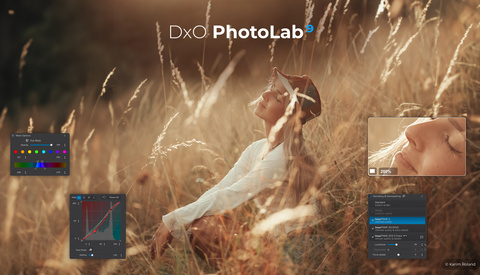
DXO PhotoLab 9 Is Out With Amazing AI Masks and More

DxO PhotoLab has been the editing choice for many photographers since 2017, specializing in correcting optical defects in camera bodies and lenses. It has a large following, but Adobe, with Photoshop and Lightroom, has always been the 800-pound gorilla commanding much of the market.

5 Editing Shortcuts That Save Hours Without Cheapening Your Work

Photographers love to brag about their hours in the edit cave. There’s a strange badge of honor attached to 2 a.m. Lightroom binges, as if suffering through endless slider tweaks somehow makes the work more “serious.” But here’s the truth: clients don’t care how long you sit in front of a monitor. They care about turnaround time, consistency, and whether the final product looks polished. So, why not save time wherever you can?

Adobe Announces Improved Remove Tool

There is an ever-increasing number of features added to our cameras, designed to simplify tasks such as focusing and determining the correct exposure. I love the process of taking pictures, and this move toward a reliance on automation is of little interest to me. However, I am far more skilled at taking photos than editing them, so I welcome Adobe’s determination to simplify tasks like removing objects, adjusting color, or smoothing skin.

What's the Difference Between Blending and Composites?

Is there a difference between blending and compositing in post-processing? Some photographers make no distinction between the two. But for many, there's a notable difference. It can represent the difference between deception and handling noise or dynamic range.

The Real Secret to Professional Black and White Editing in Lightroom

Converting color images to black and white in Lightroom often produces flat, uninspiring results that lack the punch of dedicated monochrome cameras. The secret isn't in expensive hardware but in understanding how to properly handle the conversion process and subsequent editing workflow.

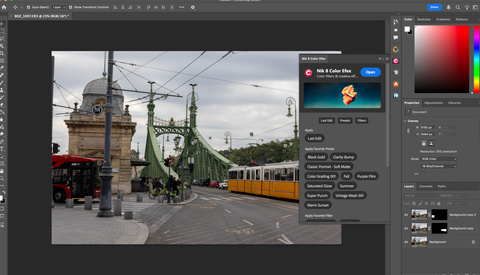
Move Over Lightroom, Luminar Neo Is The One

I've always been skeptical about the introduction of AI into popular applications such as Photoshop; however, as time went on, I started experimenting with specific features, and eventually, Luminar Neo emerged as a standalone and plugin app for Photoshop and Lightroom. Naturally, my curiosity was piqued, and I had to test it out. To my surprise, I found it so helpful that I wondered why I had been using Lightroom in the first place.

The Paradox of Choice in Photo Editing: Why Unlimited Options Create Worse Results

Modern photo editing software offers unprecedented creative control, with thousands of filters, adjustment options, and effects available at the click of a button. Adobe Lightroom alone provides over 100 adjustment sliders, while apps like VSCO offer hundreds of preset filters. Instagram and TikTok have democratized photo editing with dozens of built-in options that users can apply instantly.

A New Faster SanDisk SSD For Your Travel Adventures

I’ve been a fan of SanDisk’s portable Extreme Pro SSDs for many years. When I travel with my laptop, I take a couple with me so I can back up my photos and videos each day. The ones I’ve been using transfer data up to 2,000 MB/s (sustainable read and write speed). They’re also very durable, with good water and dust resistance (IP65).

Peakto Media Manager Adds Video Pre-Editing and Collaboration Tools

Peakto has been a premier Mac app for organizing and finding photo assets, using AI and metadata to quickly find images no matter where you have hidden them. Now, they are adding powerful collaboration tools and tools for pre-editing video, and we know a lot of our readers are also creating videos as well as still images.

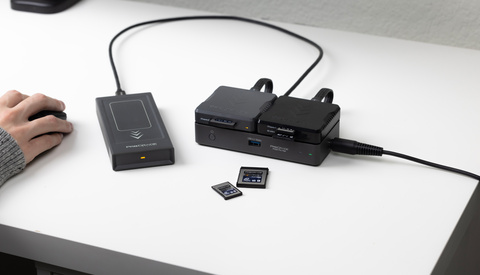
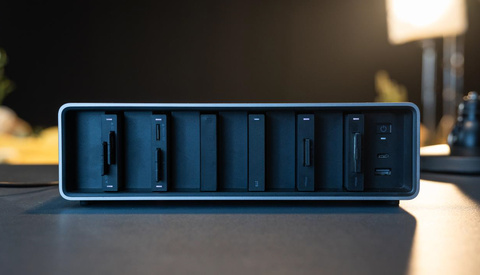
A Thunderbolt Hub for Photographers: ProGrade’s PG20 Pro

The Thunderbolt and broader USB-C hub space is crowded with options from budget to premium, offering a dizzying array of ports. ProGrade, makers of excellent high-performance storage, are diving into this space with their first hub: a Thunderbolt 4–based hub designed around their card reader ecosystem. Does this hub have what it takes to stand out from the crowd?

Does Lightroom’s AI Image Processing Work on Night Photography Too?

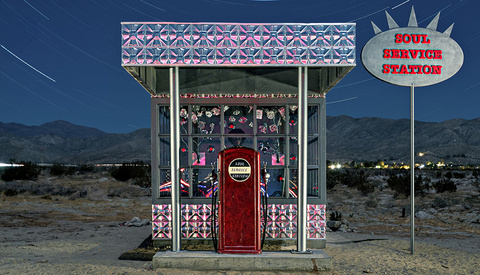
Adobe's new Adaptive Color Profile uses AI to analyze an image, adjusting color, tone, and contrast of raw images. Unlike presets, Adaptive Color Profile is not a "one size fits all." How would it work with night photography images, which are notoriously difficult for AI to interpret?

PTGui Version 13: The Powerhouse Panorama Editing Tool Got Even Better

Panorama photography presents unique challenges, both in the field and during post-processing. For years, PTGui has been a favorite powerhouse tool for photographers needing more control and better results than the basic stitching tools provide. Now, with the release of PTGui 13, this already excellent panorama stitching software gets a significant update, focusing on a streamlined DNG-based workflow, performance boosts, and useful new features. Is it worth the upgrade?

Efficient Image Editing With Affinity Photo 2

Affinity Photo 2 offers powerful tools to enhance your raw images quickly and accurately, giving you professional results without the complexity or high cost of other software.

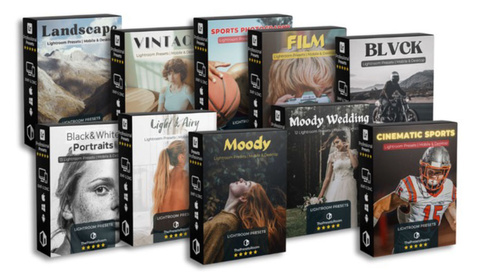
The Presets Room: A Game-Changing Marketplace for Photography Presets

Photographers know that working smarter means more time snapping shots and not being stuck behind a screen. But for newbies, finding an editing style can feel like a never-ending puzzle. Luckily, The Presets Room is here to save the day—offering quick, pro-level edits so you can spend less time clicking and more time creating.

We Review DXO PureRAW 5

We spent some time on the new DxO PureRAW 5 when it was announced in February, but now it's out and I've had a chance to give it a run.

How to Manage Thousands of Photos Quickly With Imagen AI and Lightroom

Culling is an essential part of a photographer’s workflow. However, sorting through thousands of images takes up precious time and focus. This article looks at how AI-assisted tools like Imagen’s Culling Studio help speed things up without losing creative control.

Is It Really Worth Spending $600 to Import Your Files?

The ingest process is rarely the most glamorous part of being a photographer or videographer. It can often feel like a bottleneck, especially when you're juggling multiple card formats, dealing with slow readers, or fighting a tangle of dongles after a long shoot day. Lexar aims to change that with its Professional Workflow ecosystem, a modular system designed to streamline and accelerate this crucial step.

I got to try all the core components, including the Workflow Docking Station and a selection of its reader and SSD modules, to see if it lives up to the...